Manage your directory
When to use this
Use this page to understand the Directory: the navigation group holding the people and places behind your events.
What lives in the Directory
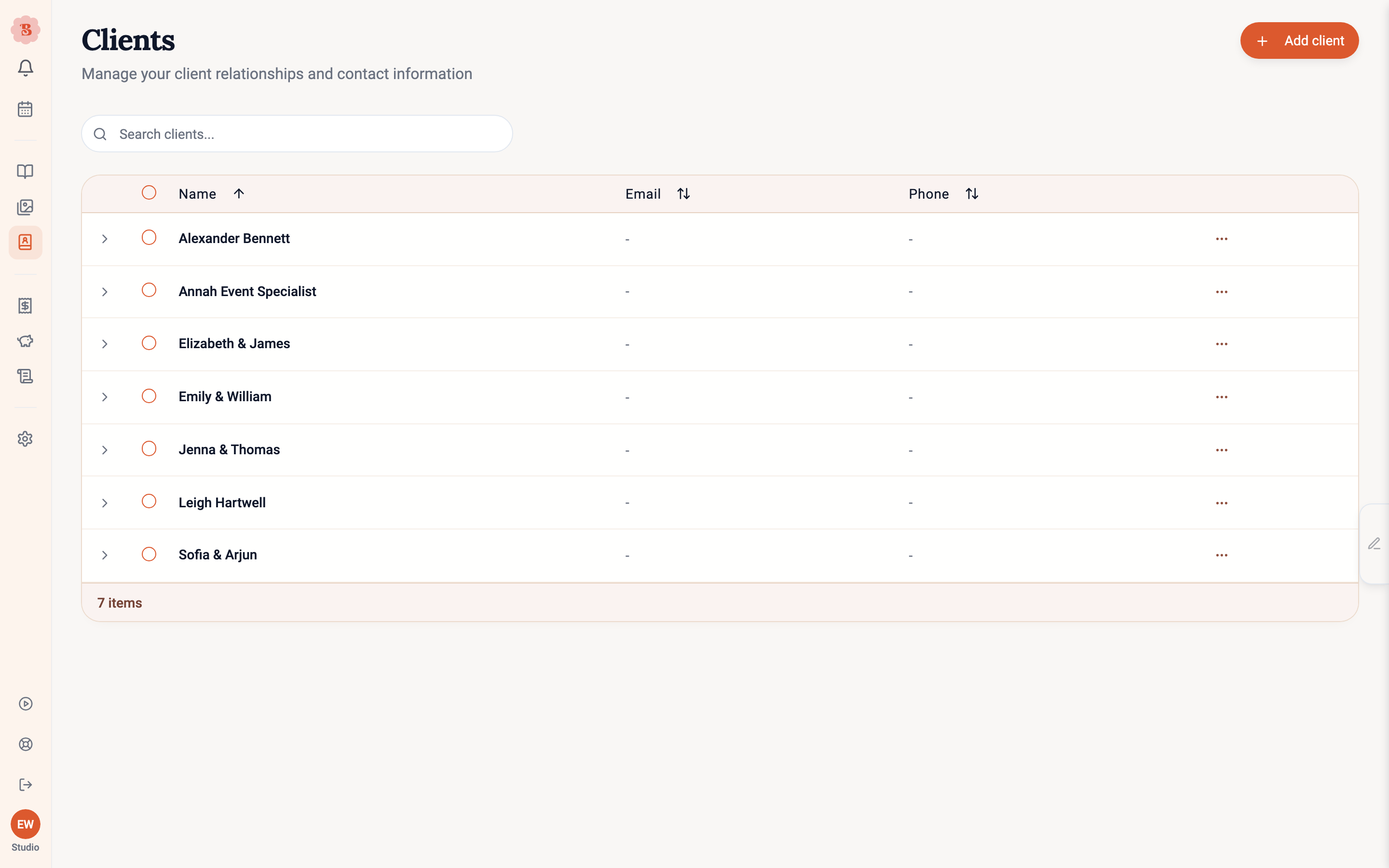
- Clients: the people and companies you work for, each with multiple contacts. See Clients and contacts for the details.
- Suppliers: who you buy from, with website, address, lead time, minimum order, notes, and contacts. Supplier records feed the ordering workflow on each event.
- Venues: the places you work. Address lookup fills coordinates automatically (searches start close to home, your business address or country, and still find a venue abroad when you type its full name), and each venue keeps its event history, access details, and weather context. If a venue is not in the address search, plain manual entry works too.
- Team: your working roster, with employment type, rates, driving and vehicle details, and emergency contacts. This is the staffing list used by week-of planning; sign-in access for teammates is a separate thing, managed under Business → Members.
- Notepad: every note your team jots, in one feed grouped by what the note is pinned to, searchable and filterable. You can jot from anywhere: the pencil tab on the right edge of the screen (or ⌘J) opens the Notepad drawer, pinned to whatever you are looking at. Edit or delete your own notes inline. The assistant can read, search, add, change and remove Notepad notes too.
Working the pages
All the directory pages share the same manners: add and edit in a side drawer, search and sort the list, and use bulk actions for cleanup. Deleting warns you clearly about what it means for linked events, and mistakes are recoverable where the record type allows it.
Directory data compounds. A venue with real access times and coordinates, or a supplier with an honest lead time, quietly improves every event that touches them later.
Related pages
Last updated on